The Arch desktop
lighter than 1 GB.
A full Openbox desktop environment that sips ~130 MB of RAM on a base install and stays under 1 GB with everything running. Snap-tiling windows, 8 virtual desktops, bootable Btrfs snapshots and 4 themes — one command to install. Runs on x86_64 and aarch64.
Featherweight. Fiercely fast.
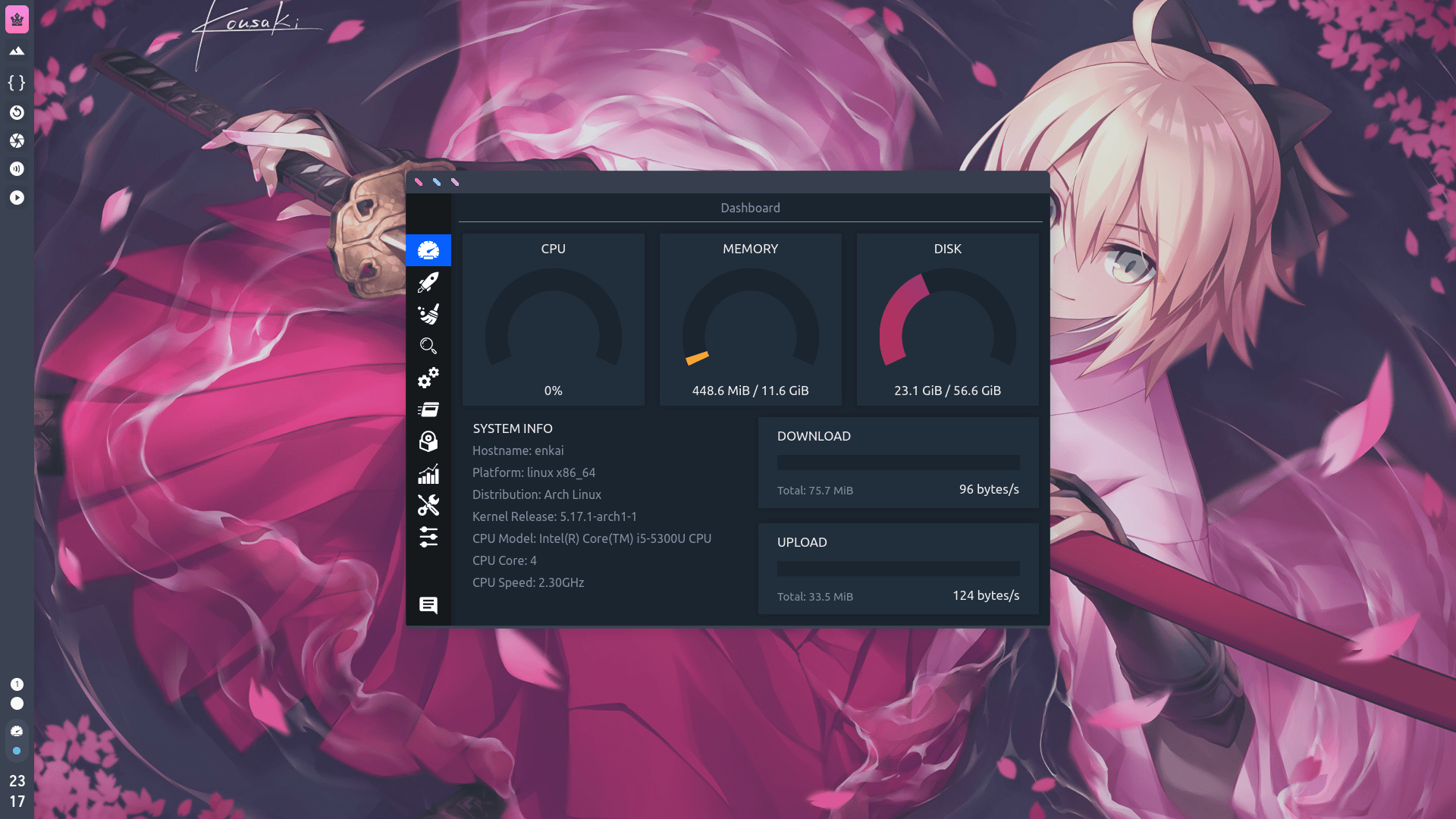
Most "modern" desktops idle at 1.5–2 GB before you even open an app. This build gives you a complete, themed, keyboard-driven desktop for a fraction of that.
Idle RAM usage, measured with neofetch. Proof in the screenshot below.
One build. Two architectures.
Whatever board or box you're on — if Arch boots on it, this desktop fits.
x86_64
Laptops, desktops, ThinkPads and towers. Tested end-to-end on Intel and NVIDIA graphics, with auto GPU-driver detection in the installer.
aarch64
ARM laptops, SBCs and mini-PCs. The same minimal philosophy — a full desktop that stays out of your RAM budget on low-memory machines.
Tiling & 8 desktops.
All muscle, no mouse.
Openbox here is tuned for your keyboard: snap windows into perfect halves, fan your work across eight virtual desktops, and never touch a title bar again. Both demos below are live — click around.
Snap tiling
try itSuper+←/→ halves the screen · Super+↑/↓ takes top / bottom
8 virtual desktops
try itSuper+1…8 switch · Super+Shift+1…8 send window here · scroll the desktop to flip
Btrfs snapshots.
An undo button for your OS.
The whole system installs onto Btrfs with live, bootable snapshots. Broke something at 2 a.m.? Pick an earlier snapshot straight from the GRUB boot menu and roll back before your coffee finishes brewing.
Live snapshots
Timeshift captures your system automatically — filesystem-level, copy-on-write, instant. Keep working while it snaps.
Bootable from GRUB
Snapshots appear right in the boot menu. Even a bad update can't lock you out: boot a snapshot, restore, reboot.
Lighter than ext4
Btrfs snapshots take a fraction of the space an ext4 equivalent would — real safety without a storage tax.
Timeshift + Snapper
Timeshift is enabled out of the box and reachable from GRUB; Snapper ships alongside for power-user policies.
# disaster recovery, the two-command edition
timeshift --list
timeshift --restore --snapshot '2026-09-15_12-00-00'Or skip the terminal entirely — just pick the snapshot in the GRUB menu at boot.
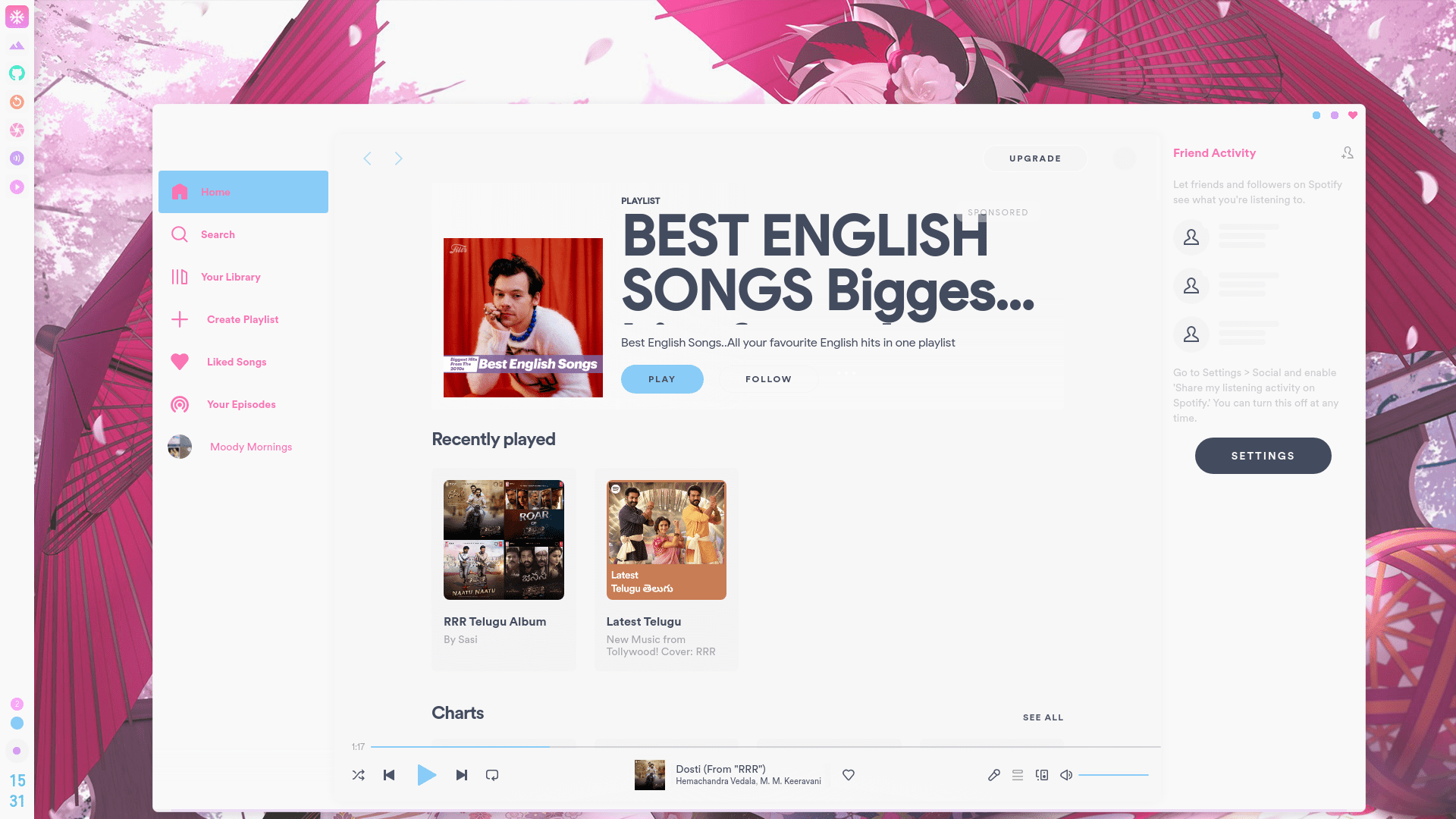
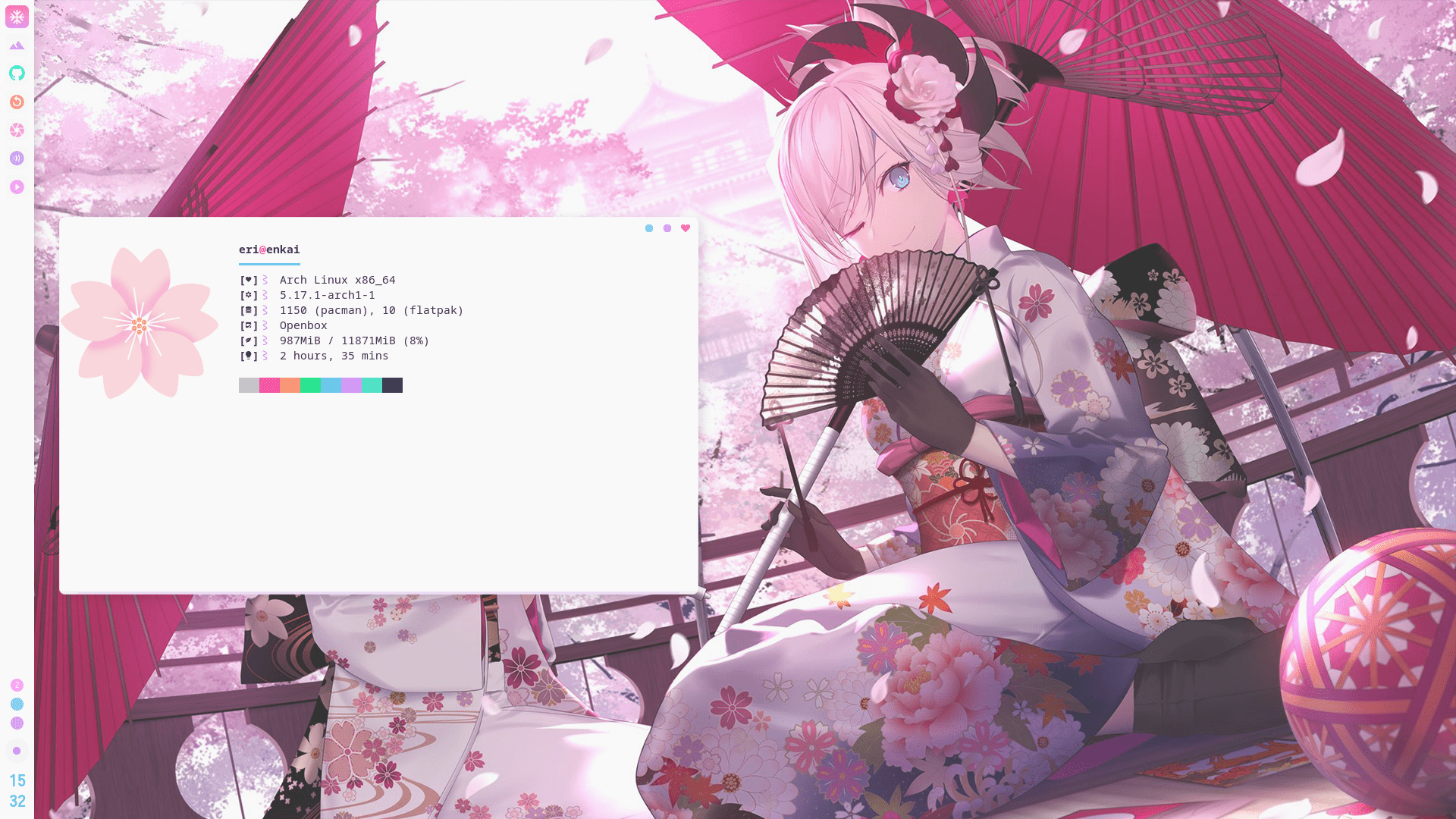
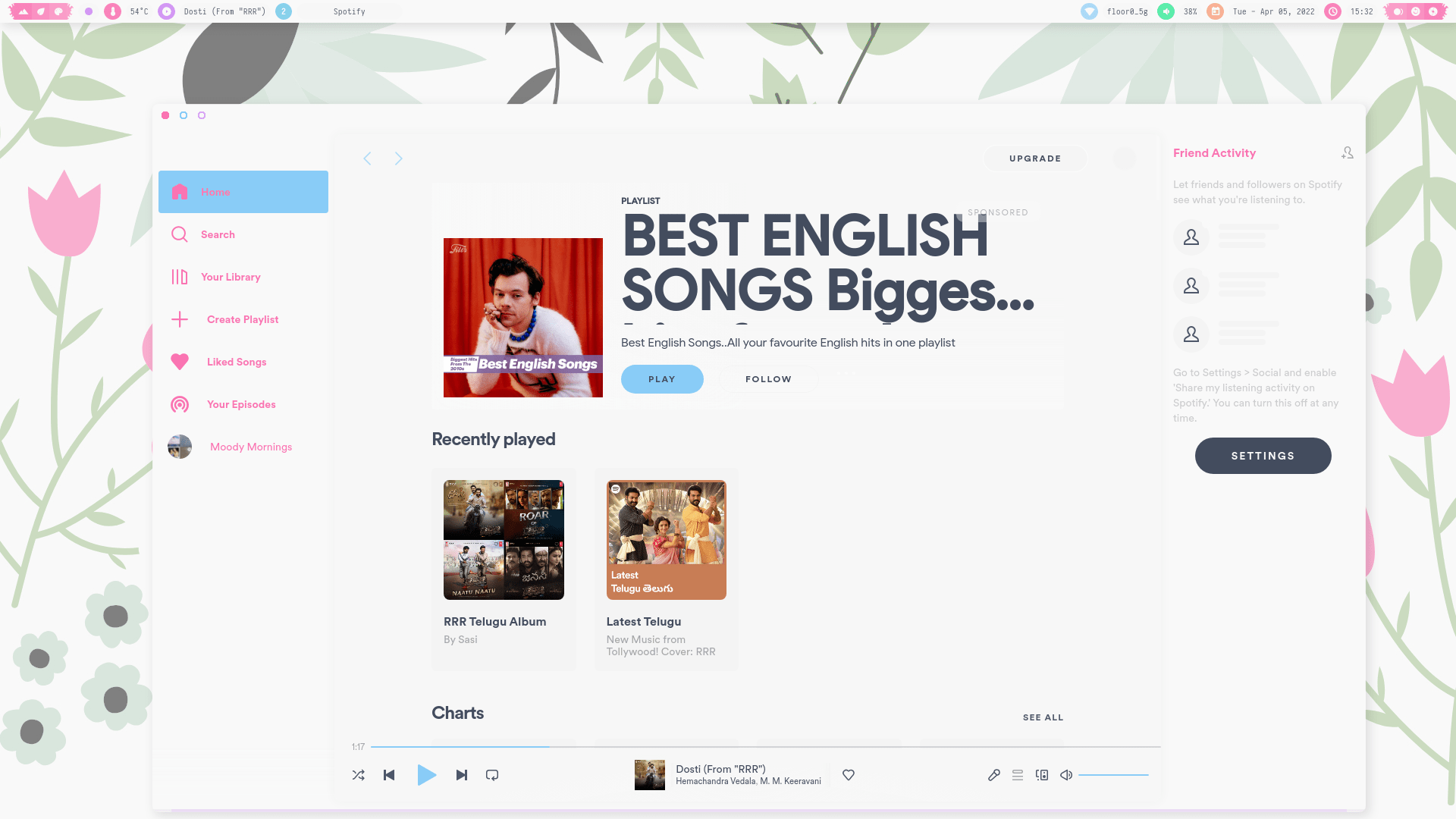
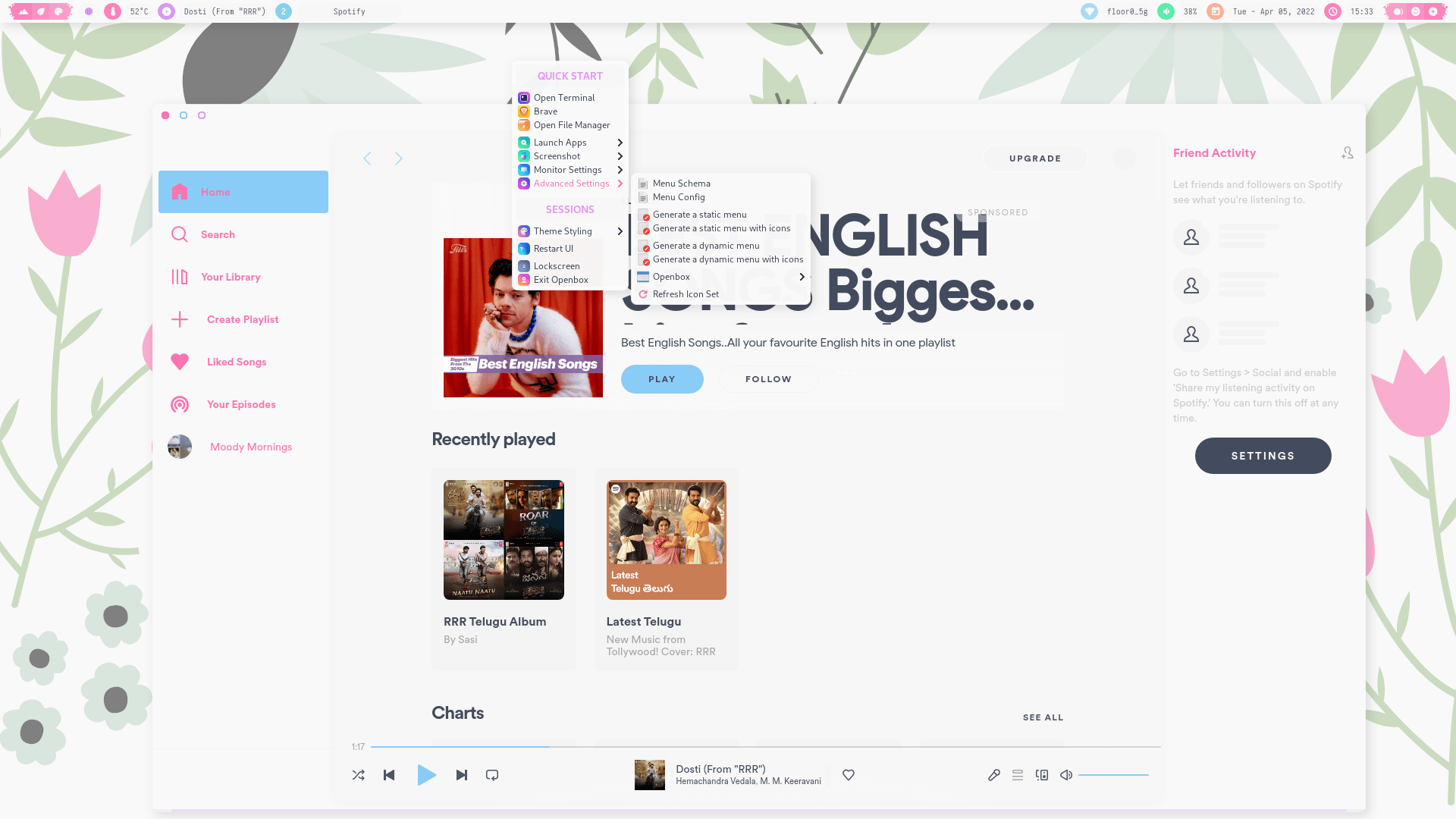
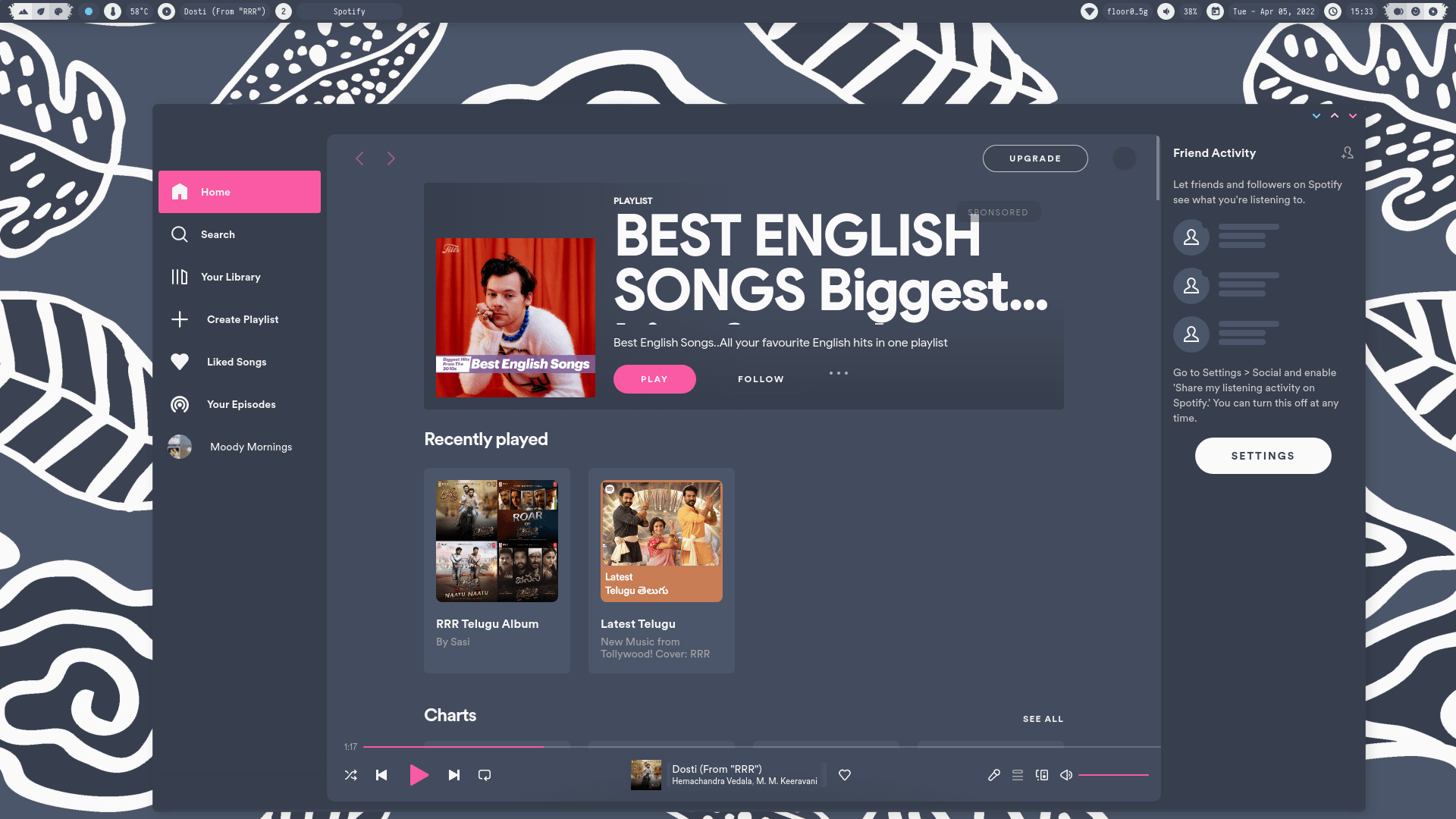
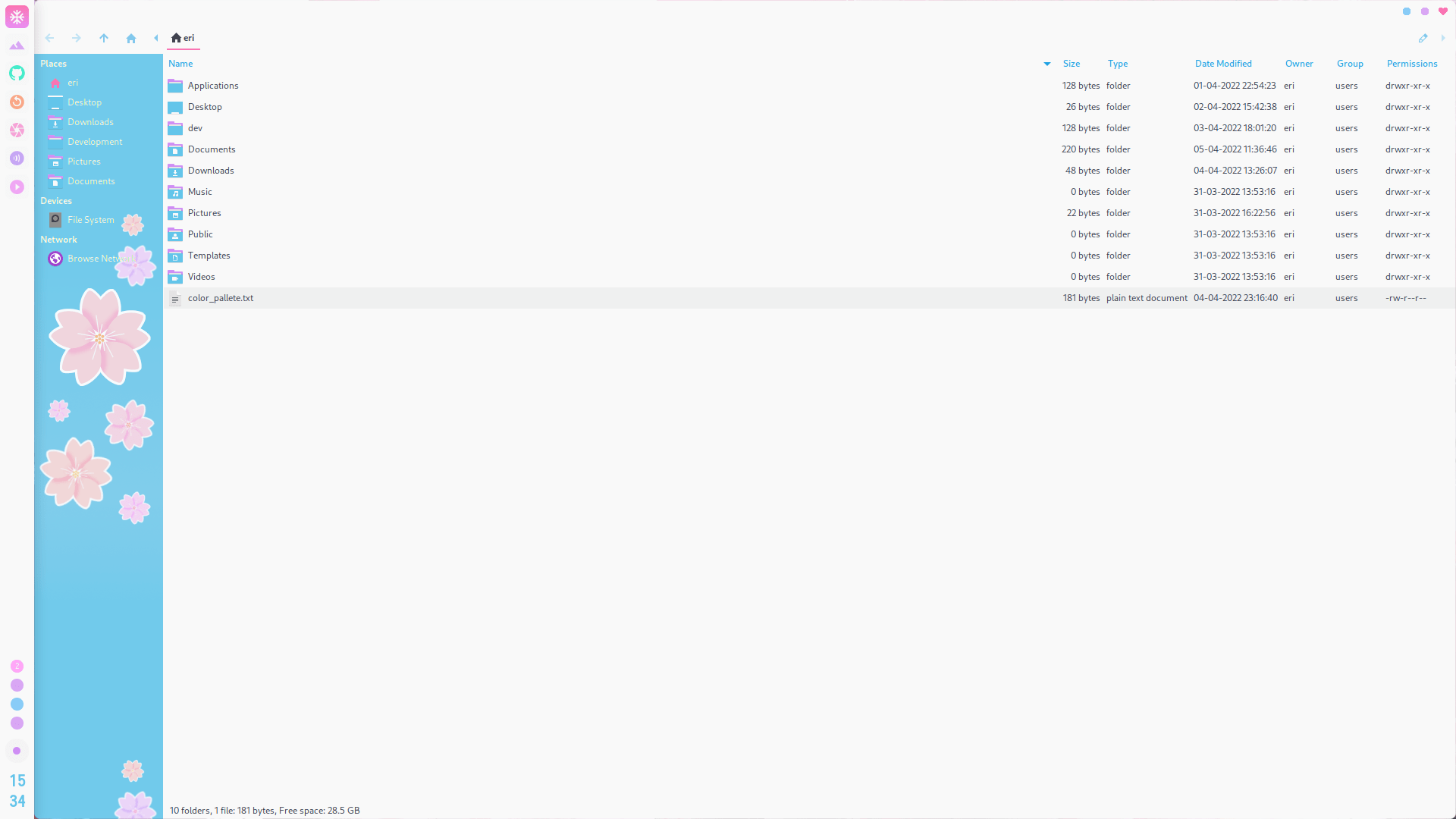
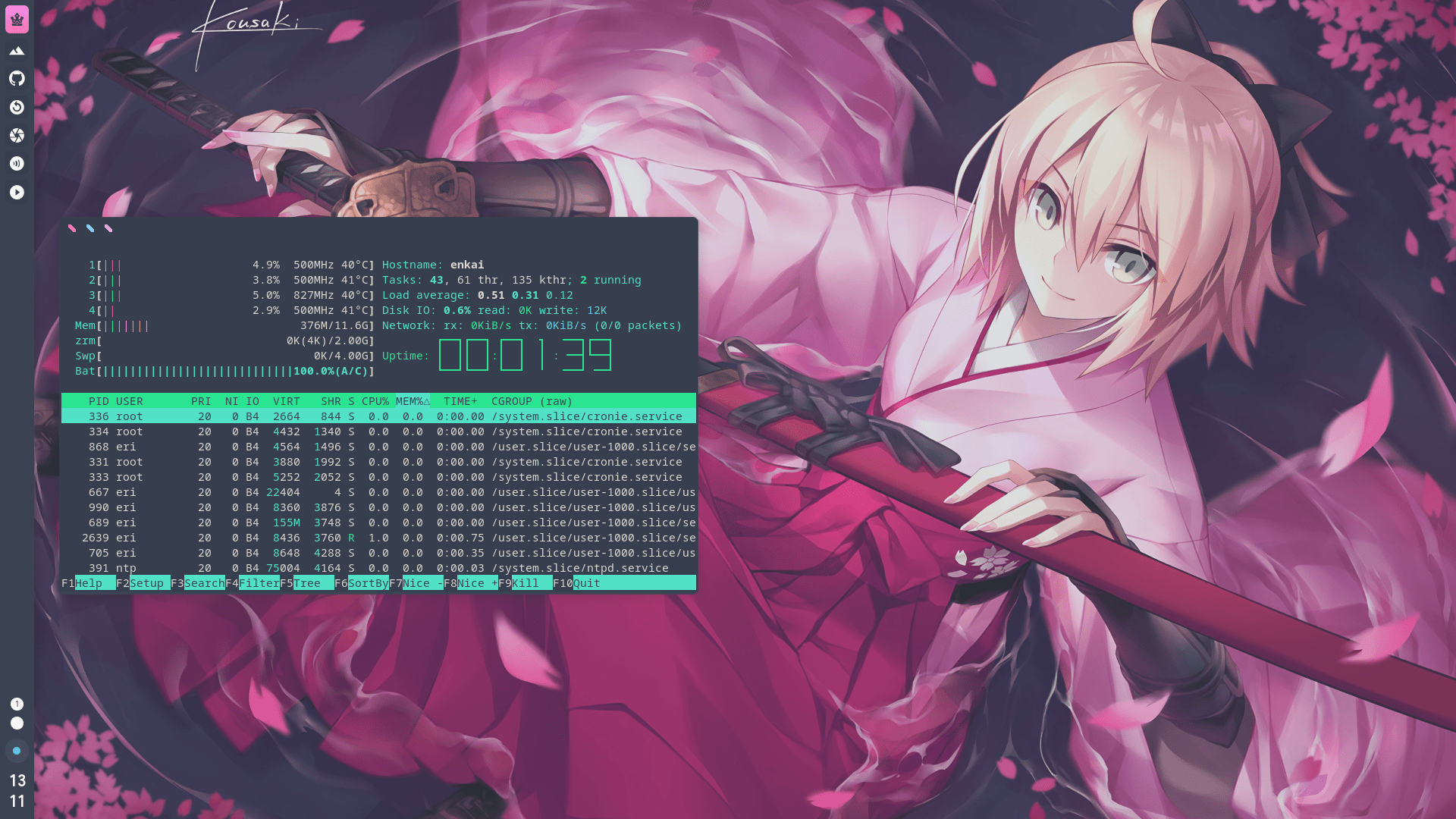
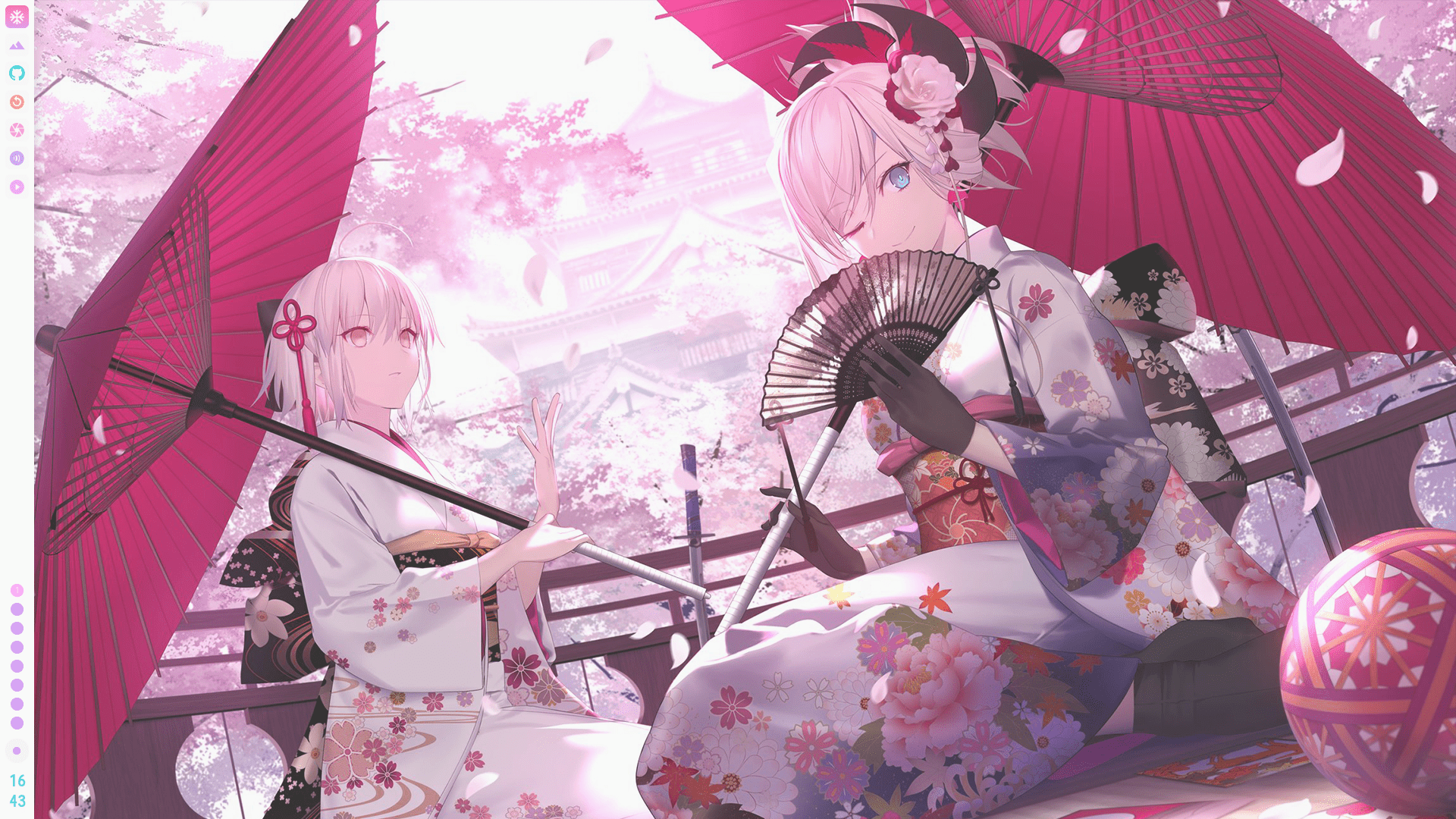
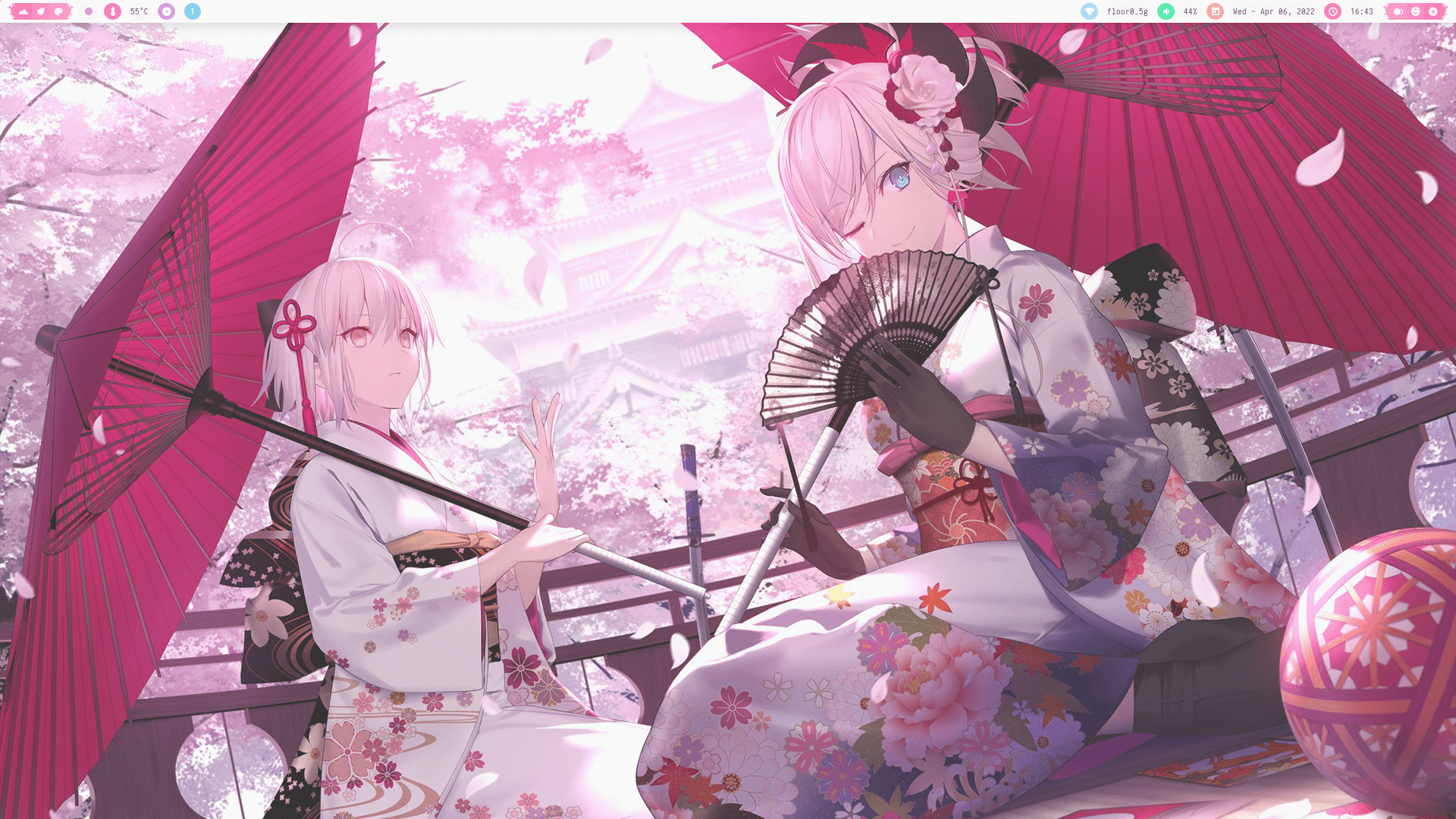
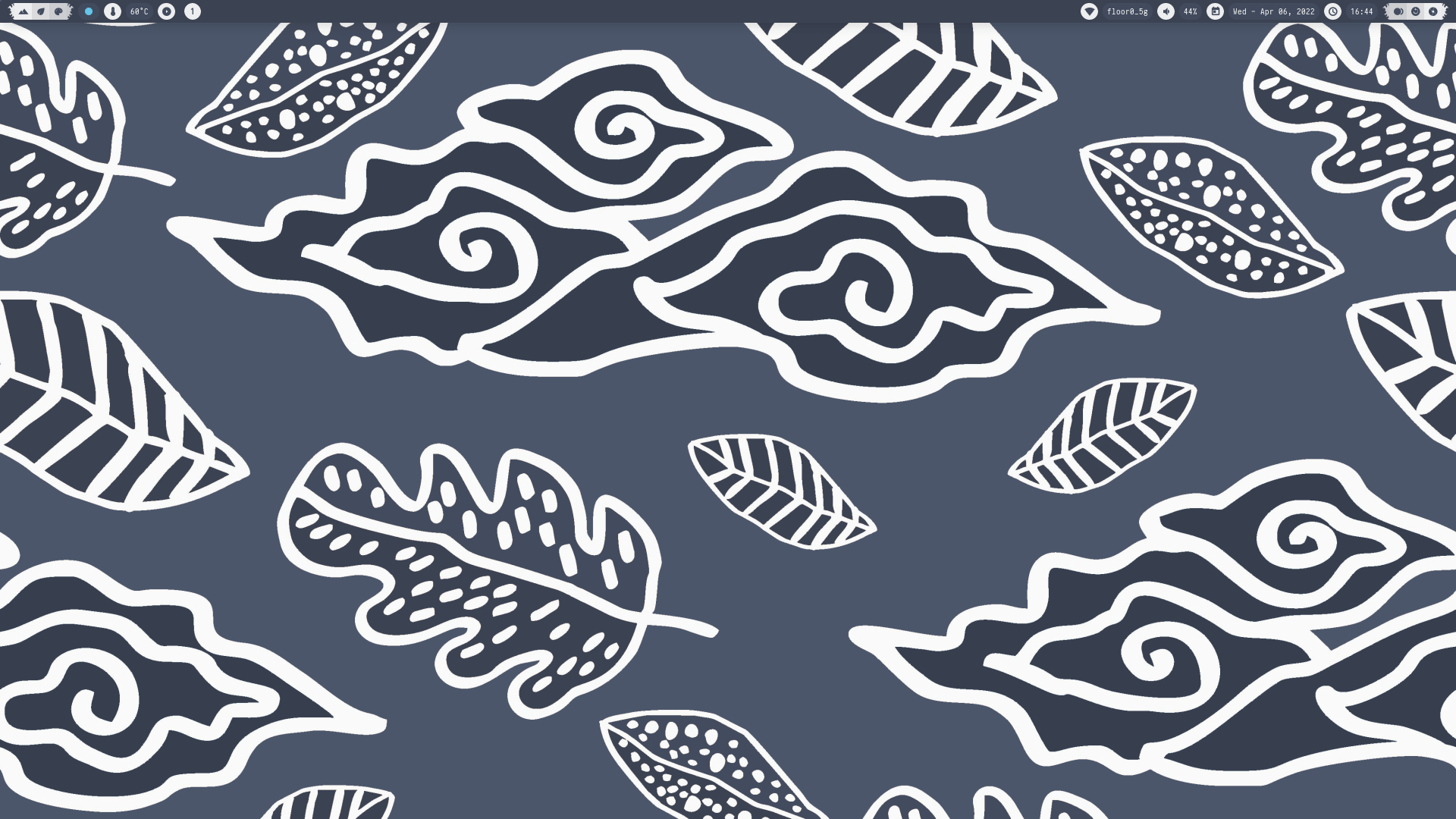
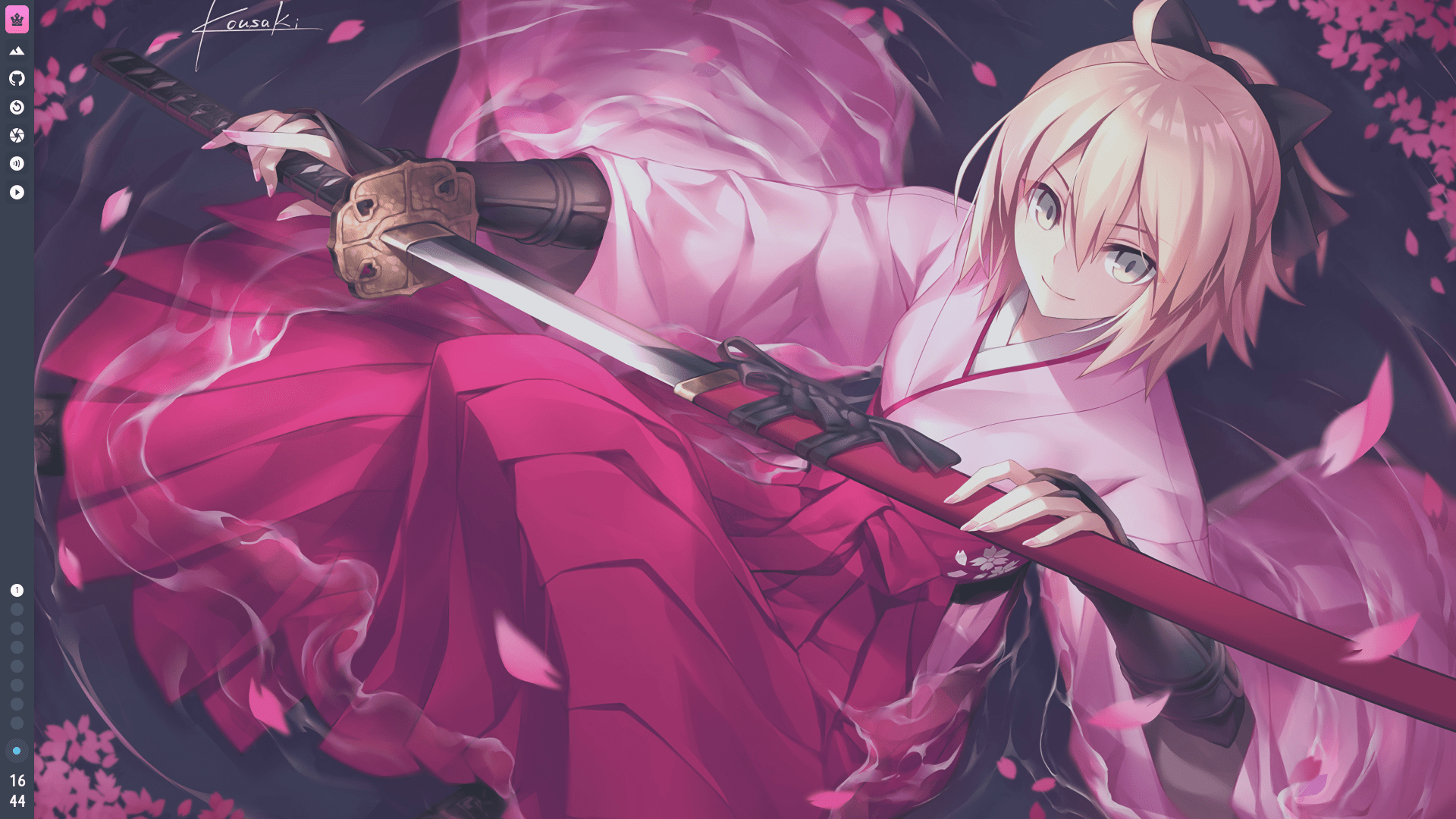
Four themes. One keystroke.
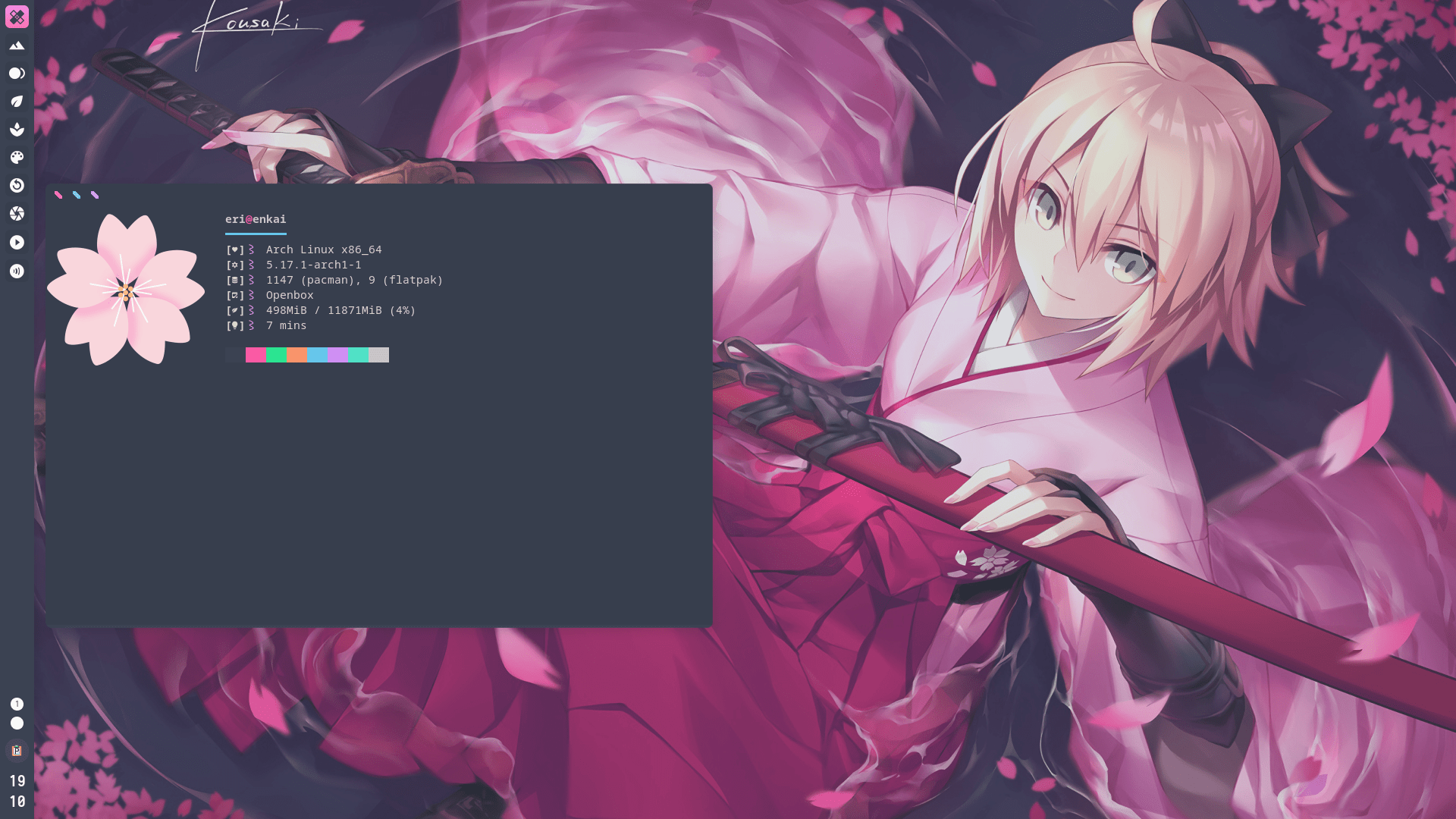
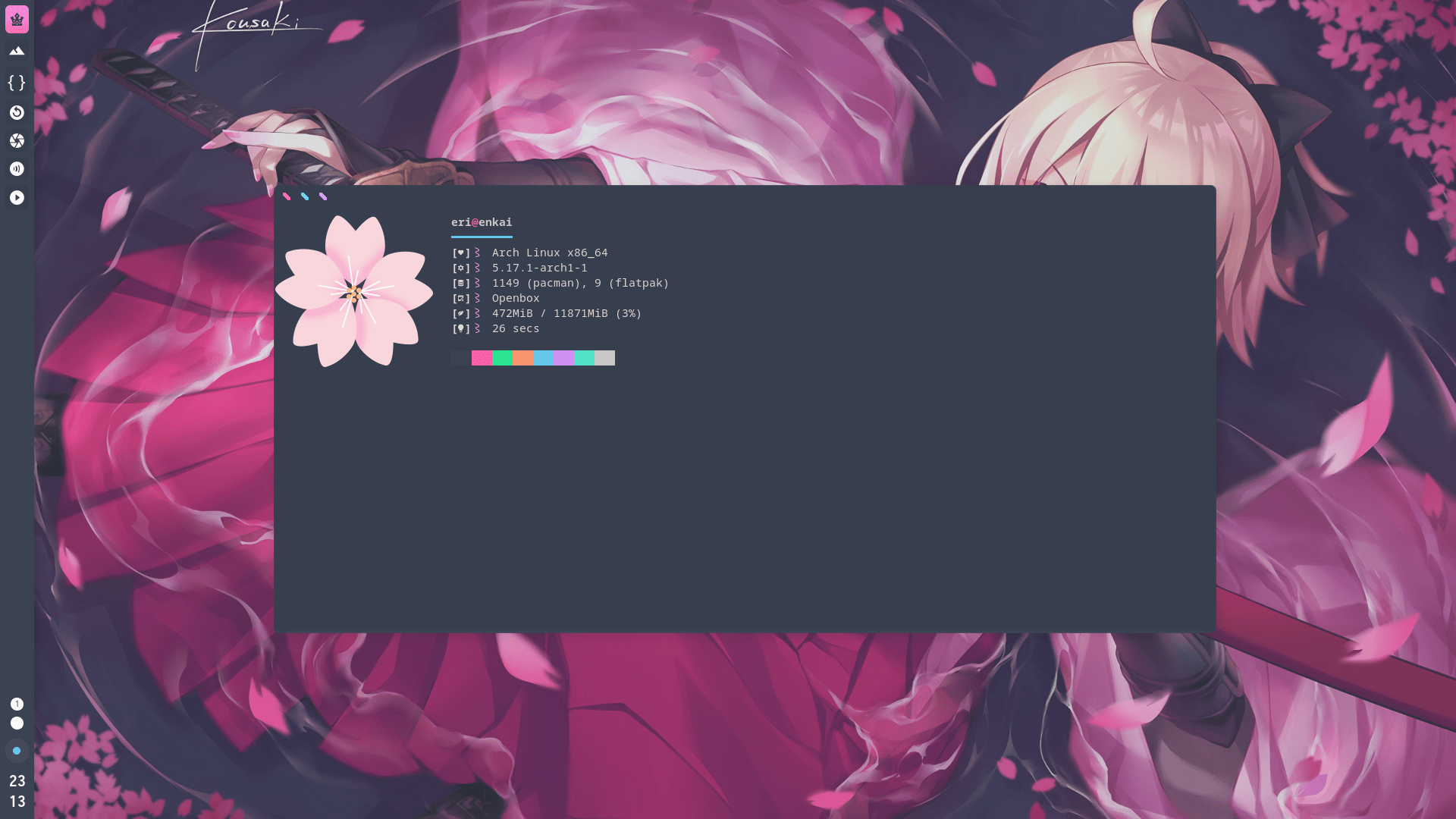
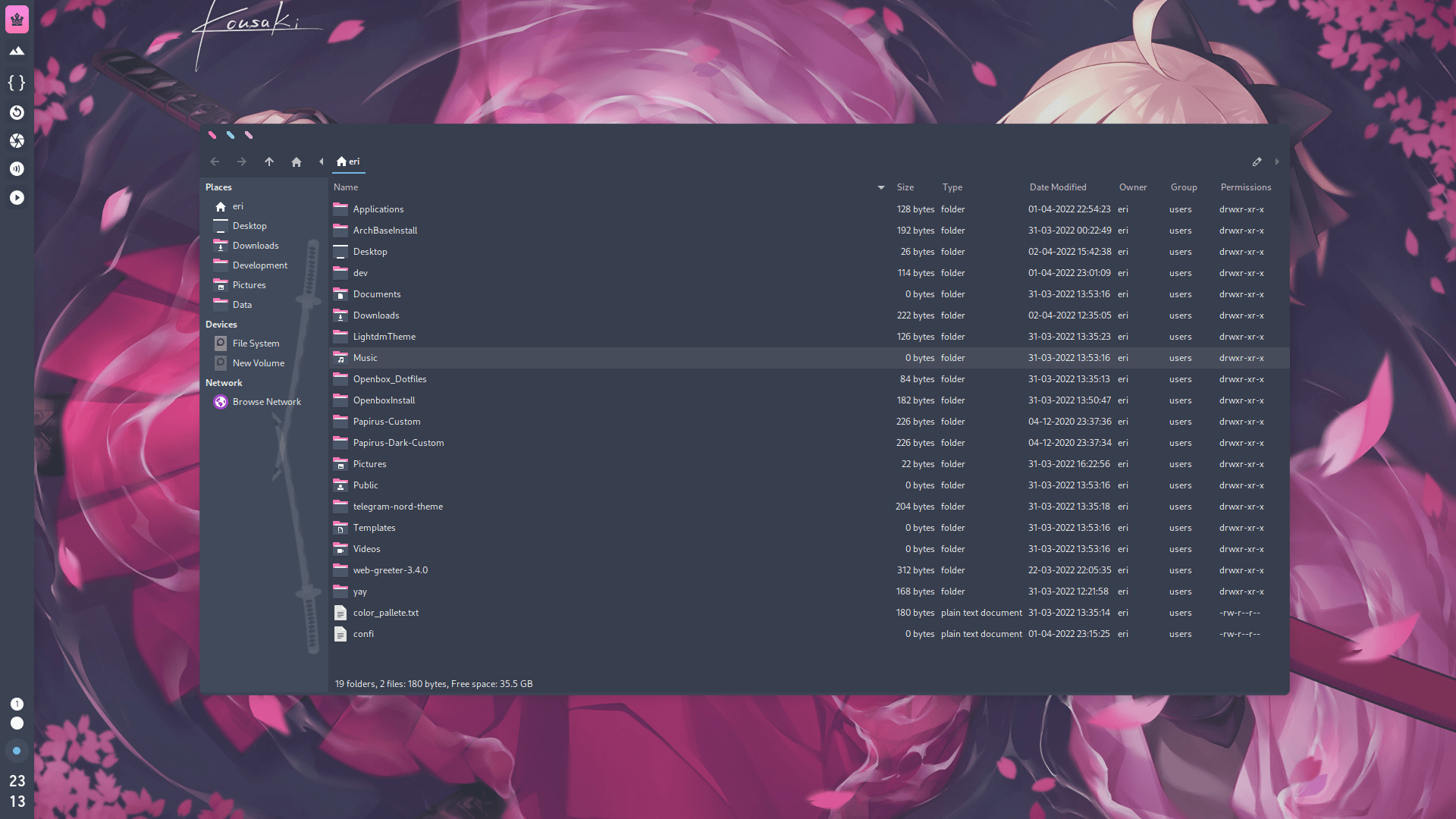
The whole desktop — panel, launcher, menus, terminal and even Spotify — restyles itself. No logout, no reinstall.
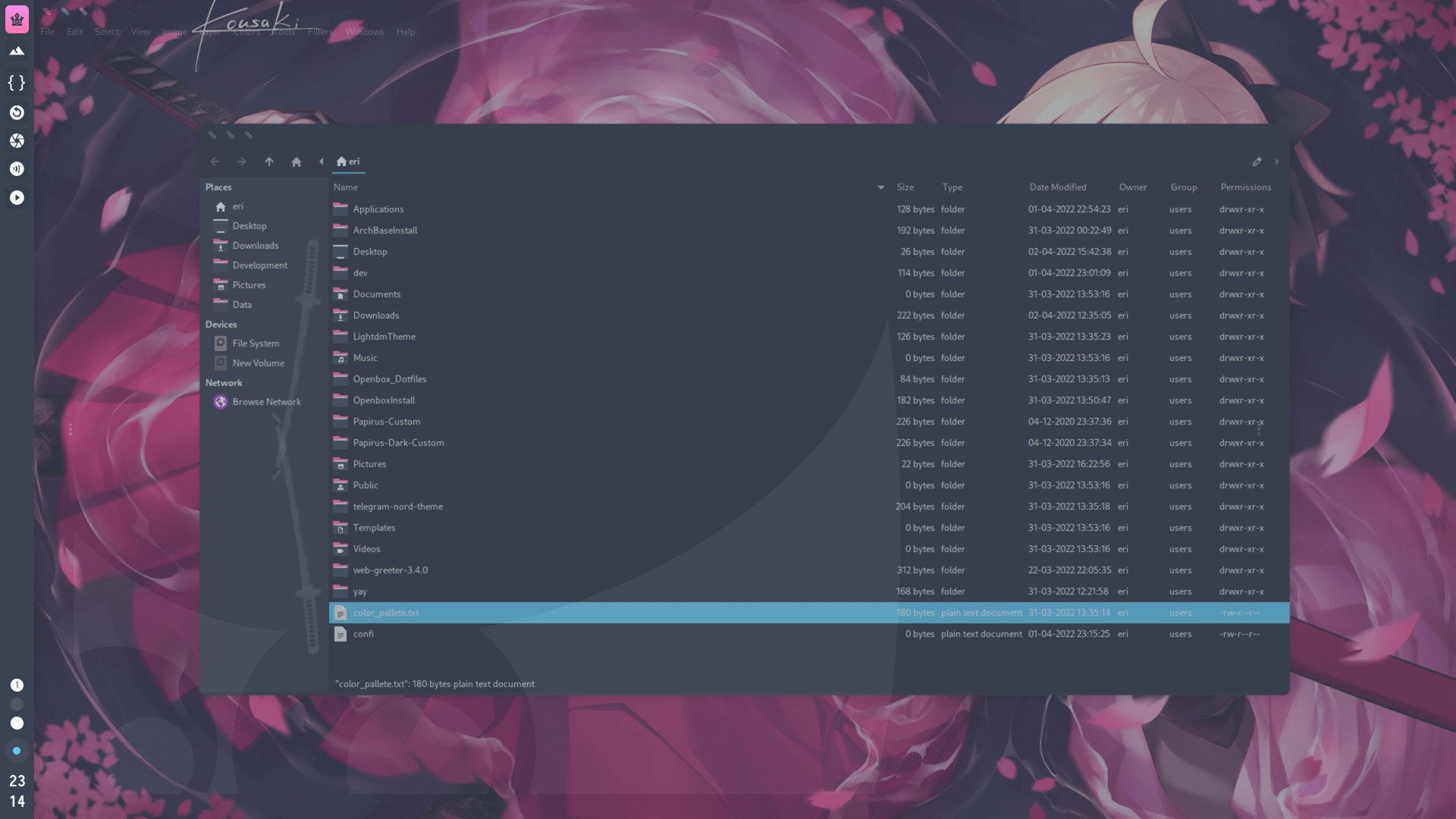
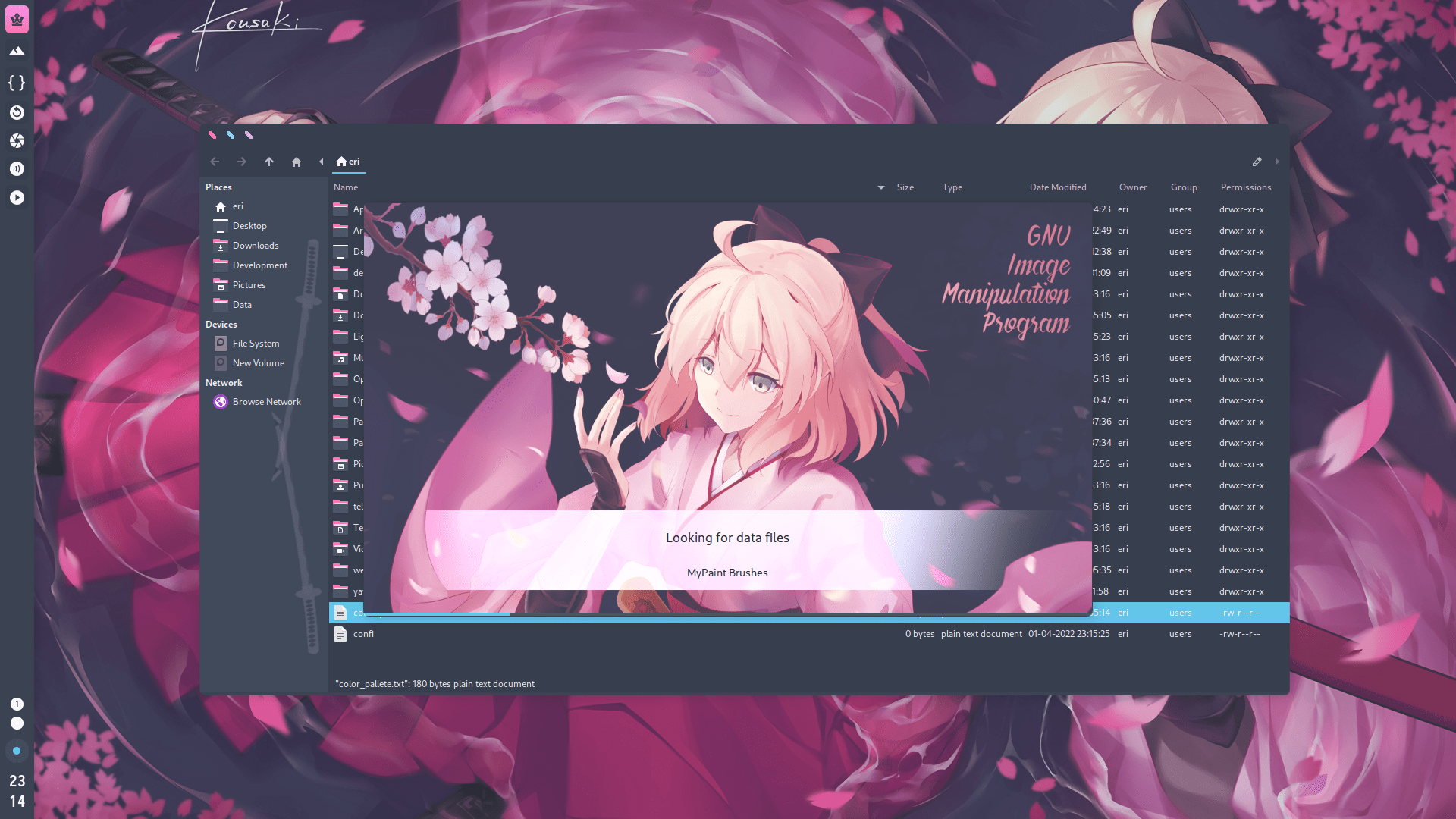
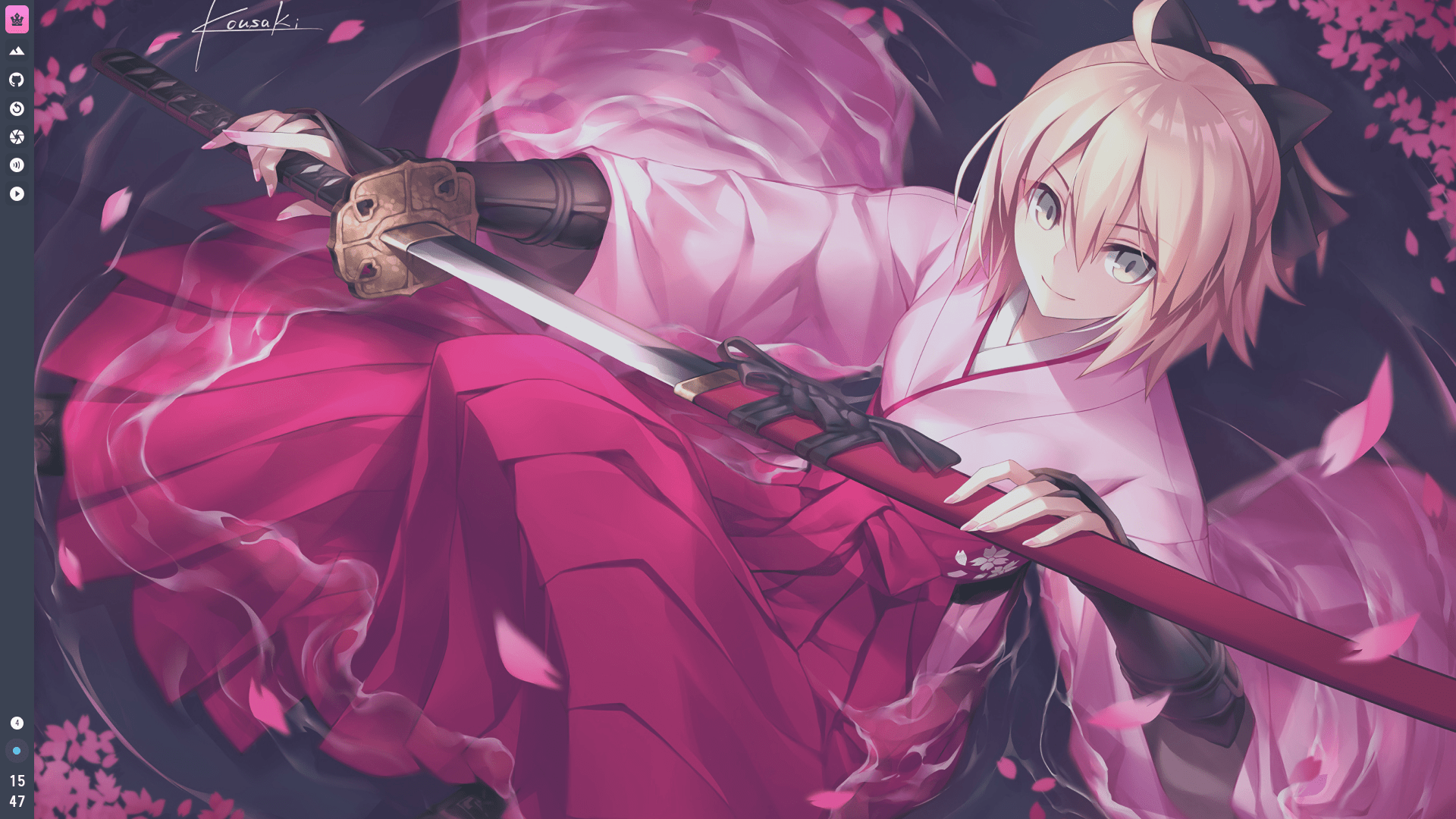
Watch it move
Live recordings of the desktop in use — menus, launchers, workflows.


The full gallery
Click any screenshot to view it full-size.
Small tools, sharp tools.
Every piece earns its place. No orphans, no bloat.
Openbox
A legendary window manager with snap tiling and 8 virtual desktops, fully keybound — your hands never leave the keyboard.
Kitty
GPU-accelerated terminal with sensible shortcuts, running Zsh + oh-my-zsh.
Rofi
Blazing-fast application launcher. App in three keystrokes.
Tint2
A crisp panel with material design icons and system trays.
Picom
Compositor with rounded corners and smooth animations — cheaply.
Dunst
Minimal, hackable notification daemon. No daemon weight.
Thunar
File manager with a customized sidebar and bulk rename.
Spotify, themed
Spicetify Dribbblish theme — the music player matches the desktop.
Geany IDE
The flyweight IDE, for when you need to edit more than a config.
From ISO to desktop.
Two scripts, a few questions, done. Intermediate-friendly, by design.
Base system ArchBase
Grab the latest Arch ISO, boot it, and run the base installer. Mirror ranking, Btrfs + snapshots, swap partition, GPU drivers and microcode — handled automatically.
pacman -Sy && pacman -S git
git clone https://github.com/kud04rk/ArchBaseInstall.git
cd ArchBaseInstall
./crusedo.shNot in India? Set your keyboard/locale in 2_setup.sh first.
Desktop Openbox
Reboot into your fresh base system, then layer on the full Openbox desktop with all four themes, shortcuts and apps.
git clone https://github.com/kud04rk/OpenboxInstall.git
cd OpenboxInstall
chmod 777 openbox_install.sh enabling_services.sh
./openbox_install.sh
sudo -s && ./enabling_services.sh && exit
./theme_config.shDotfiles live in their own repo: Openbox_Dotfiles.